
AI14 AI tools · mobile and the browser
Your photos. A new perspective.
Upload one photo and get a professional headshot, an avatar, a restored family photo or a short video. Most results in under a minute.
- 2 free creations a day
- 3 more when you sign up
- No card
- 14 tools
- 13 for photos, one for video, in one app.
- Under a minute
- Most photo results. Video takes a few minutes.
- Your photo, your result
- Used only to make your image. No face templates or biometric identifiers.
- On the App Store
- Plus four photo tools and Photo to Video in the browser.
What each tool makes
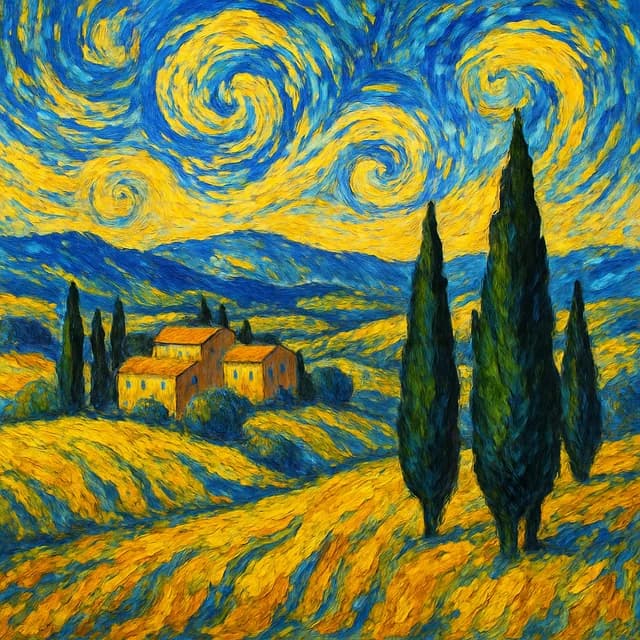
Style Transfer 
AI Avatar 
AI Headshot 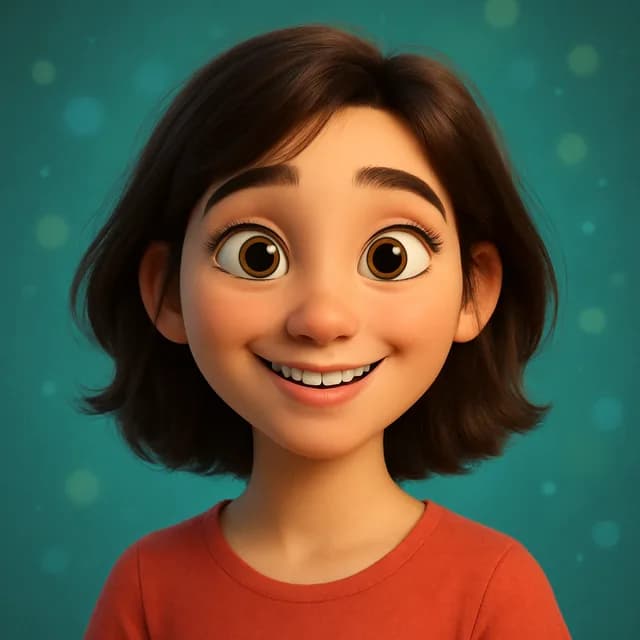
Cartoon Me 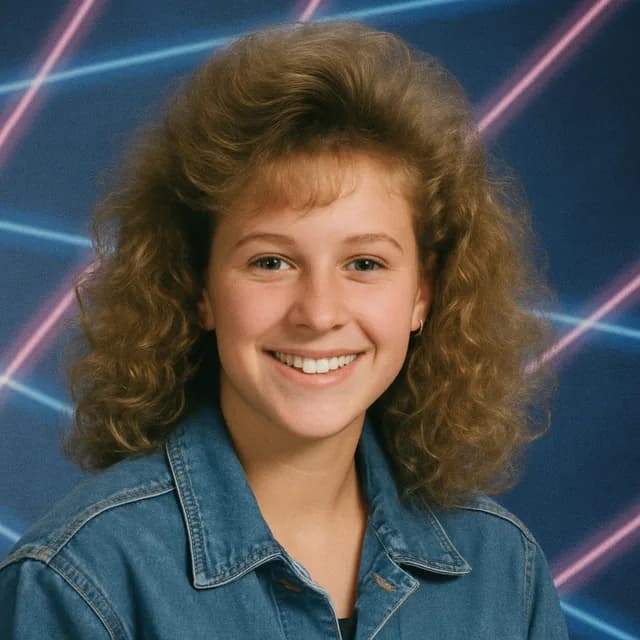
90s Yearbook 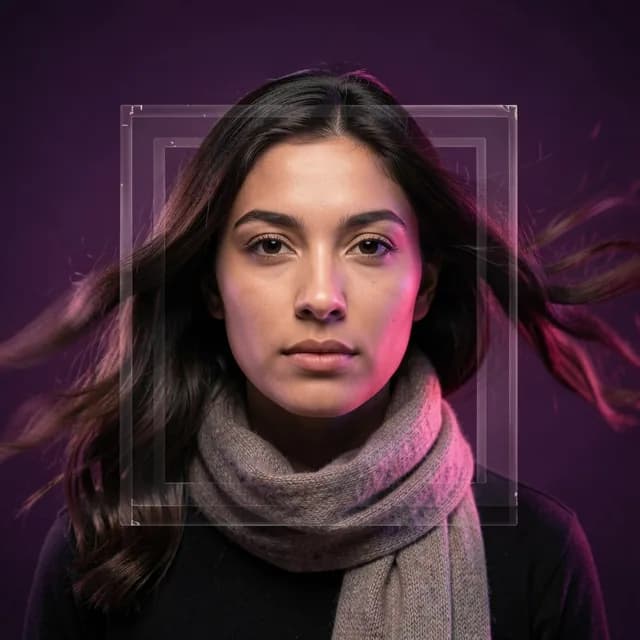
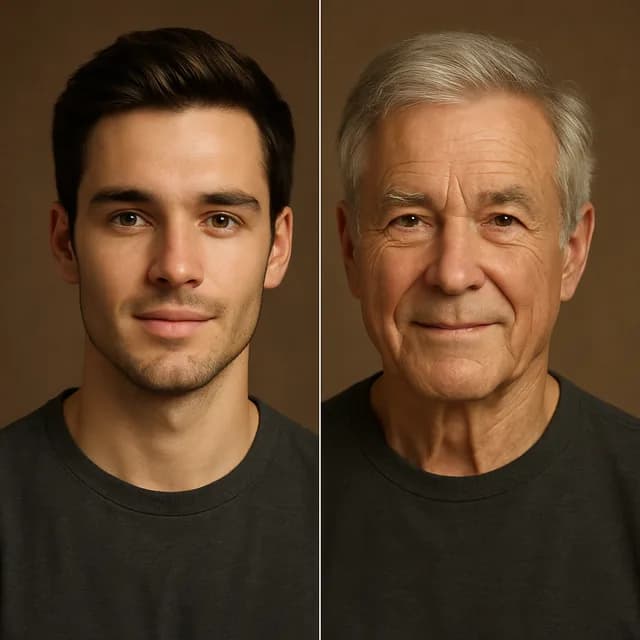
Photo to Video Age Transform 
Baby Generator 
Background 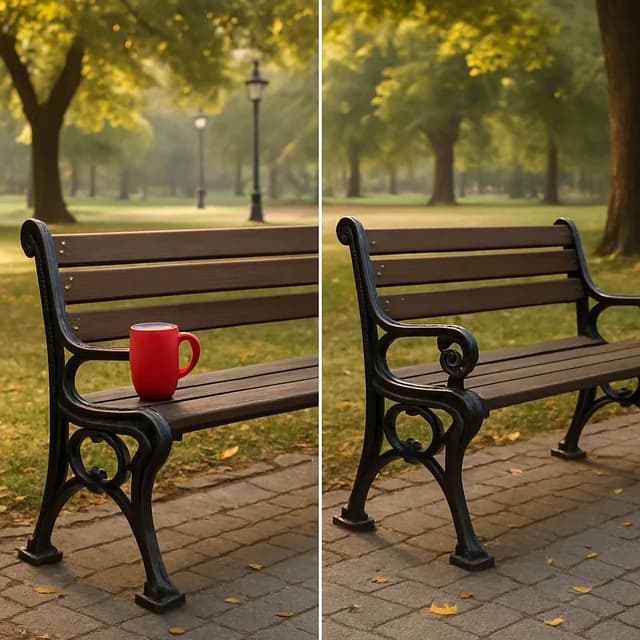
Object Removal 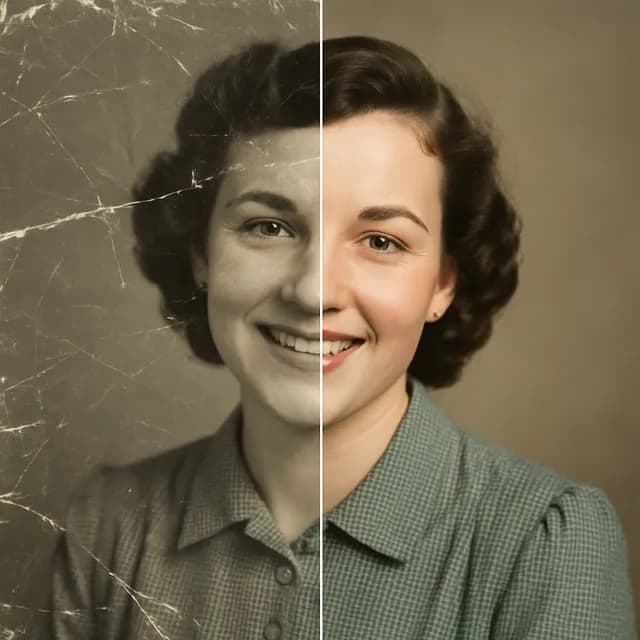
Photo Restore 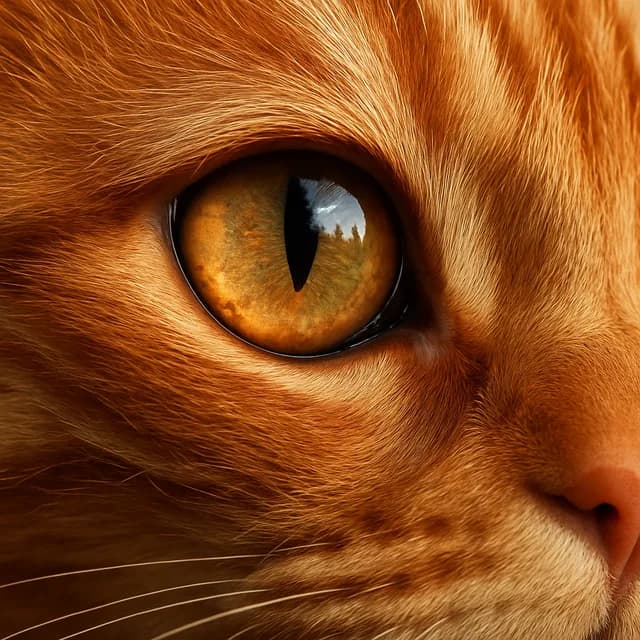
Photo Upscaler 
Social Content 
Text to Image
Examples of what each tool produces. Everything Kitana makes is AI-generated.
How it works
- 1
Pick a tool
Headshot, avatar, restoration, background, video — one job each.
- 2
Add a photo
A clear, front-facing shot works best. Some tools take a prompt instead.
- 3
Get the result
Download it, share it, or run it through another tool.
Need more room than the free plan gives? Compare the Kitana Pro plans — or read how the daily limits work.
Photo to Video
Your photo becomes the first frame
Pick a photo, choose the motion, and Kitana animates it into a short vertical clip sized for Reels, TikTok and Shorts. Same face, same room, now moving.
How Photo to Video worksQuestions
- Is Kitana really free?
- Yes. Kitana's 13 photo tools are free to try. On the web you get one image without an account and 3 more when you sign up, with no daily cap or waiting on those. After that the free plan is up to 2 photo generations a day, one every 4 hours, and Kitana Pro is up to 6 a day with no waiting. Every account gets one free clip — 5 seconds at 576 × 1024. Kitana Pro raises that to 10 a month at 5, 10 or 15 seconds and 768 × 1344.
- Do I need any design or editing skill?
- No. Pick a tool, add a photo, and Kitana does the rest. There's nothing to learn — most results are ready in under a minute.
- What happens to the photos I upload?
- Kitana's Privacy Policy explains how uploaded photos are processed, stored, and shared with the AI providers used to generate your result. Read the Privacy Policy.
- Can I use the results commercially?
- Kitana's Terms of Use describe the usage rights and restrictions that apply to AI-generated images. Read the Terms of Use.
Start with one photo
Download Kitana free, or create an account and use the studio in the browser.