
Kitana AI tools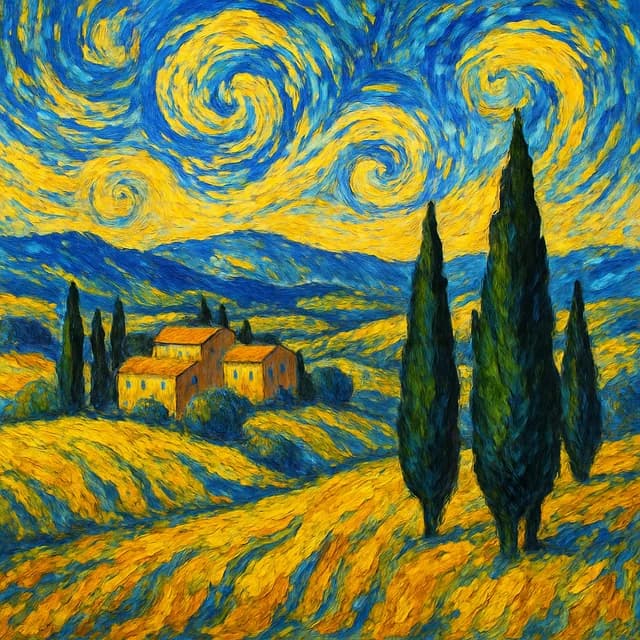
AI style transfer
Re-render any photo as a watercolor, oil painting, van Gogh piece or anime frame. It runs in your browser with no download.
Sign up — your first 3 photos are free
3 images in the browser with no daily cap and no waiting between them. No card.
or
Already have an account?
By continuing you agree to the Terms of Use and Privacy Policy.
Runs in your browser. Sign up and you land straight in this tool.
Why use it
- Runs in the browser studio, no install needed.
- Describe the style you want in plain words.
- Keeps the composition of your original photo.
How it works
- 1
Upload a photo
Landscapes, portraits, pets — anything with a clear subject.
- 2
Name the style
Watercolor, oil, sketch, anime or a painter's look.
- 3
Download
Save it or try another style on the same photo.
Questions
- Which photos work best for style transfer?
- Photos with a clear subject and good contrast. Busy, dark scenes lose detail once they are painted over.
- Can I print the result?
- Yes. For large prints, run the result through the upscaler in the app first.
- Is it free?
- On the web you get one image without an account and 3 more when you sign up, with no daily cap or waiting on those. Kitana Pro raises the limit to 6 creations a day.
- What happens to my photo?
- Your photo is used only to make your result. Kitana does not build biometric identifiers from it or use it for anything else.