Loading…
How to turn a photo into a soft, hand-painted anime look inspired by classic Japanese animation films: the visual traits to prompt for, the right source photos, and the copyright questions worth knowing.
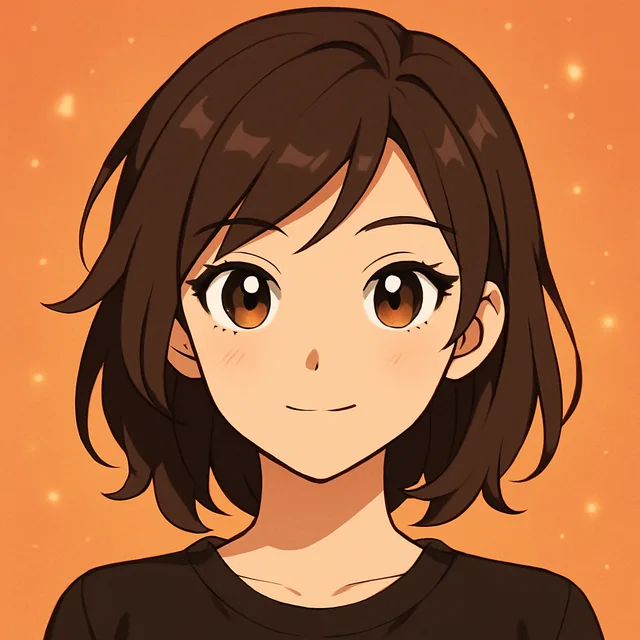
To make a Ghibli-style photo with AI, upload a clear photo to a restyle tool and describe the look in visual terms: soft hand-painted backgrounds, gentle cel-shaded figures, muted natural colours, warm light and big painterly clouds. Describing those traits works better than naming the studio, gives more consistent results, and keeps you on safer ground with copyright.
The look became one of the most shared AI photo trends because it is warm and nostalgic rather than flashy. It is also easy to get almost right and hard to get fully right. This guide focuses on the difference.
A quick note on naming: Studio Ghibli is a real animation studio, and nothing here is affiliated with or endorsed by it. "Ghibli-style" is used below the way people search for it, to mean a soft, hand-painted anime look.
When people say "Ghibli style", they usually mean a handful of recognisable visual traits:
A prompt that names these traits will beat one that just says the studio name, because the model gets a concrete picture instead of a label.
The style is built on landscapes and quiet moments, so some photos convert far better than others.
Works well:
Works less well:
For portraits, the usual rules apply: a clear, well-lit face, nothing covering it, and enough resolution. Our guide to preparing photos for AI avatars covers what to look for.
Structure your restyle prompt around the traits, not the name:
Restyle as a soft hand-painted anime film still. Gentle cel-shaded figure with simple clean outlines and a calm expression. Background painted in watercolour and gouache: big soft summer clouds, lush green fields, warm afternoon light. Muted natural palette. Keep the hairstyle and clothing colours.
Variations to try:
If you want the sharper, more modern anime look instead, our guide to turning a selfie into anime art is the better fit. For writing prompts generally, see the text-to-image prompt framework.
The colours are too bright. Many models default to saturated anime colours. Add "muted, slightly desaturated natural palette" and remove words like "vibrant" or "vivid".
The eyes are huge and shiny. That is the generic anime look creeping in. Ask for "small simple eyes, minimal highlights" and avoid "kawaii", "anime girl" or "manga".
The background stayed photographic. The model restyled you but left the scene looking like a photo. Describe the background medium explicitly: "background painted in watercolour and gouache, visible brush texture".
Everything is too clean. The style is full of small lived-in detail. Add one or two everyday objects that fit the scene: a bicycle leaning on a fence, a teapot on the table, laundry drying outside.
The light feels flat. Name the time of day and weather. "Late summer afternoon, warm sunlight, long soft shadows" gives the image the warmth people associate with the look.
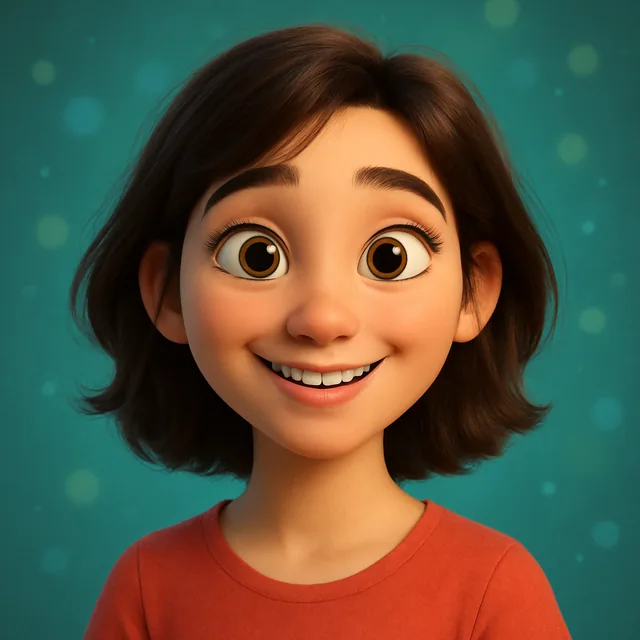
It looks like a different film style. If results drift towards glossy 3D animation, add "2D hand-drawn animation, flat cel shading" and remove any mention of rendering or 3D.
The look suits more than profile pictures. A few ideas that tend to work well:
If you are making a set, keep the prompt's light and palette the same across every image so the collection feels like frames from one film.
Painted styles hold up well in print, but generated images are often not large enough for big frames. Upscale before printing anything larger than a postcard; our guide to AI photo upscaling for printing explains the sizes to aim for. For posting, the soft palette can look washed out next to high-contrast photos in a feed, so check the image on your phone before you share it.
Soft anime styles simplify faces a lot, which is part of their charm and also why many results stop looking like the person. To keep more of you:
Our explainer on why AI avatars don't look like you goes into the mechanics.
This is not legal advice, but a few widely accepted points:
For a wider look at these questions, see the ethics of AI-generated photos.
The style is famous for motion: grass rippling, clouds drifting, hair lifting in the wind. A still can be turned into a short clip with that kind of gentle movement. Choose subtle motion over dramatic camera moves; our guide to choosing the right motion for a photo-to-video clip explains the options, and the video maker turns one still into a short vertical clip.
You can try the look in the browser studio with the restyle tool.
Create with Kitana using the tool that fits this guide.
Restyle a photoDownload Kitana and create your first AI photo in under a minute.