The AI Photo Maker for avatars, headshots & art
Kitana turns your everyday photos into avatars, professional headshots, and stylized art — no design skills required. Four of the tools also run in the browser, and once you have an image you can animate it into a short video.
Prefer to look around first? Open the studio — one image without an account, then 3 more when you sign up.
Sign up — your first 3 photos are free
3 images in the browser with no daily cap and no waiting between them. No card.
Already have an account?
By continuing you agree to the Terms of Use and Privacy Policy.
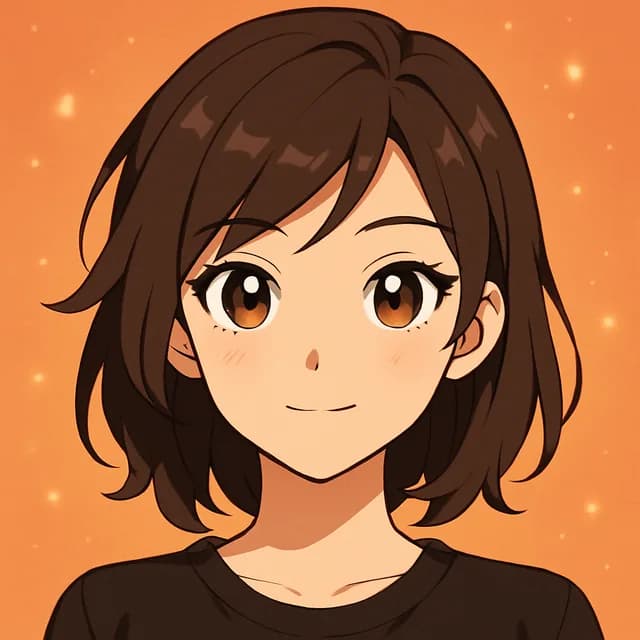
AI Avatar
Turn a selfie into a stylized portrait — anime, cyberpunk, painterly, and more.
 Runs in the browser — no download
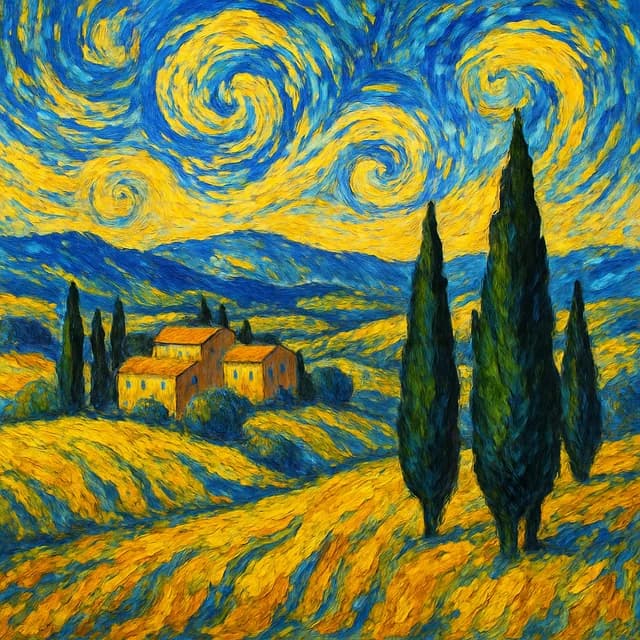
AI Headshot
Get a professional, LinkedIn-ready portrait from a casual photo.
 Runs in the browser — no download
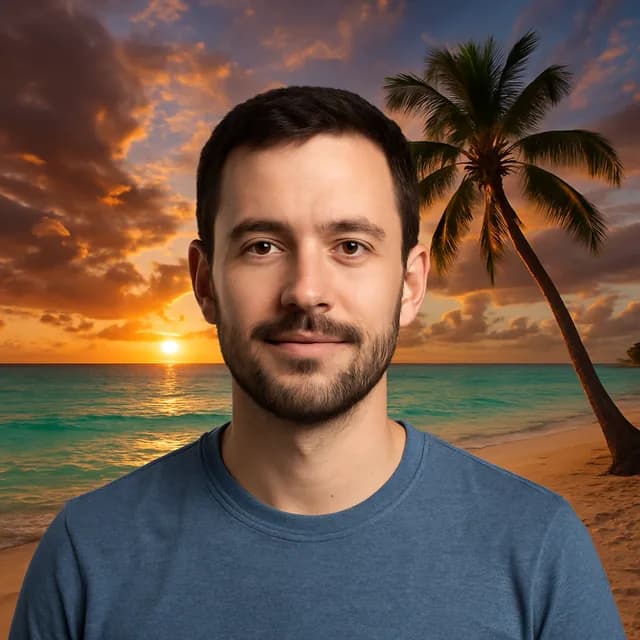
Style Transfer
Re-render any photo in van Gogh, watercolor, oil painting, or anime style.
 Runs in the browser — no download
Background
Swap any background for a clean studio or scenic shot.
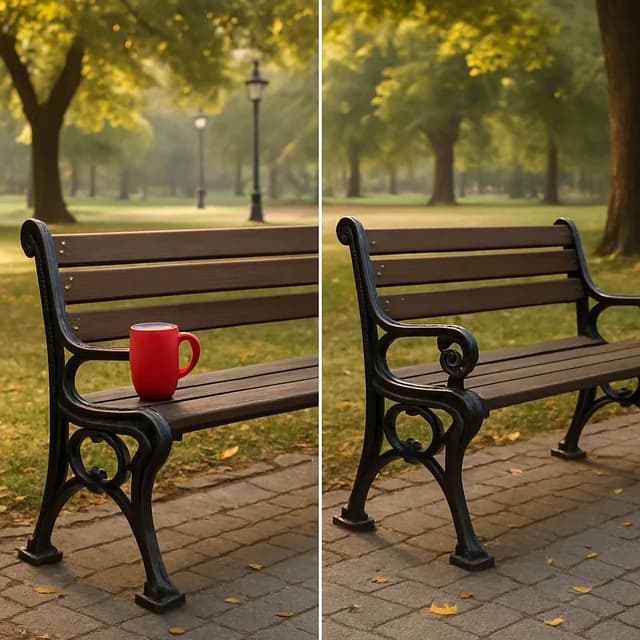
Object Removal
Erase unwanted objects, people, or distractions from any photo.
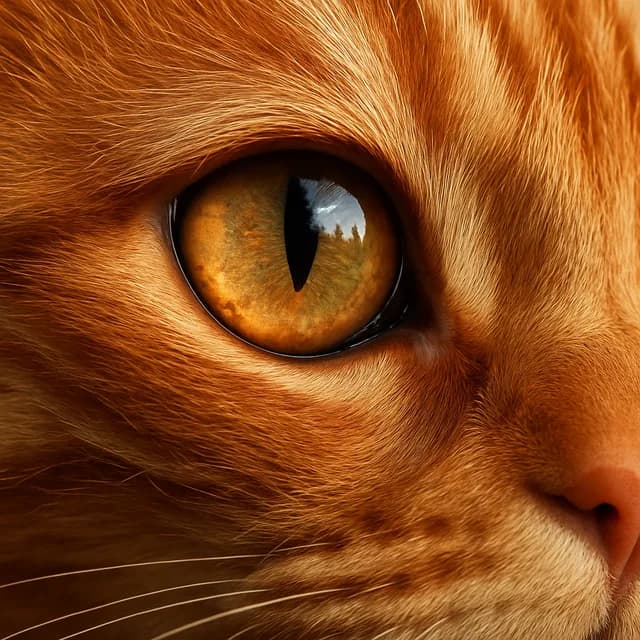
Photo Upscaler
Sharpen low-resolution photos to crystal-clear quality.
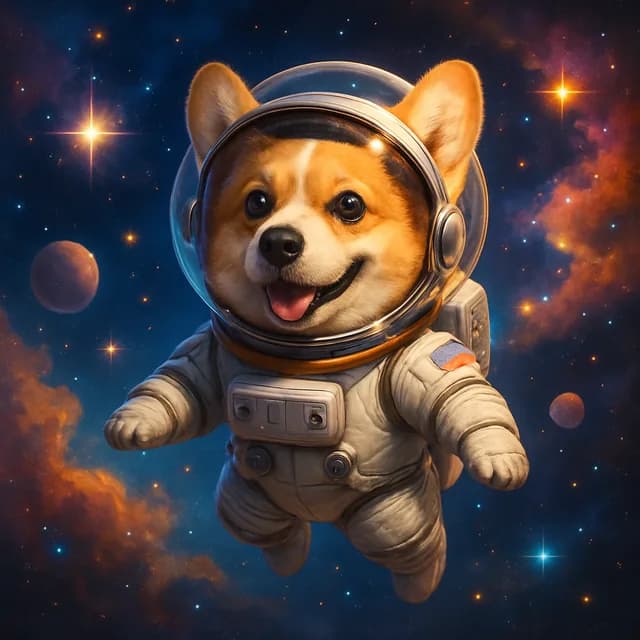 Runs in the browser — no download
Text to Image
Generate a brand-new image from any text description.

Social Content
Instagram, TikTok, and YouTube-ready visuals in one tap.
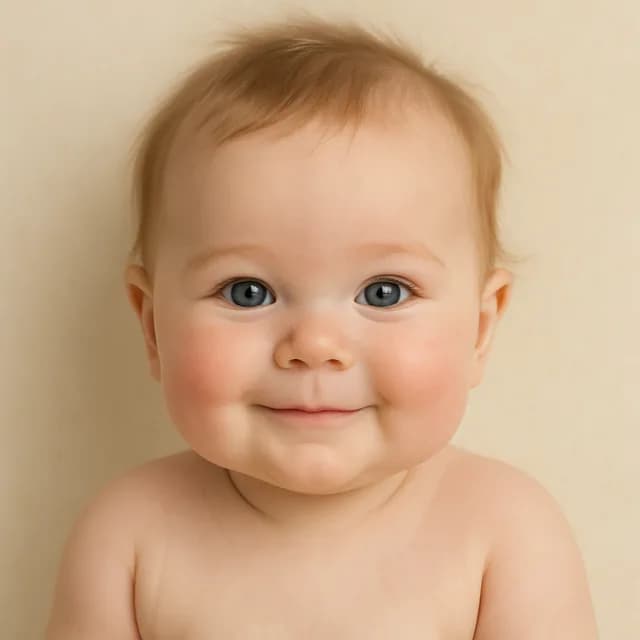
Baby Generator
Blend two parents into a realistic baby portrait.
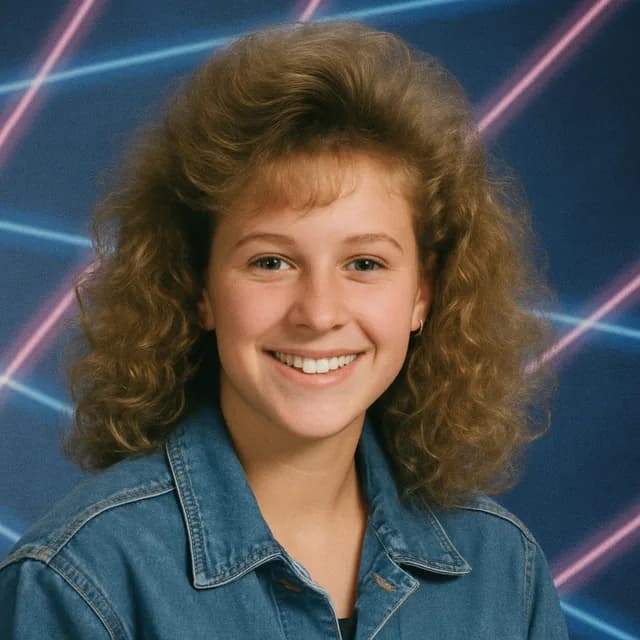
90s Yearbook
Retro yearbook portraits, big hair and studio backdrop included.
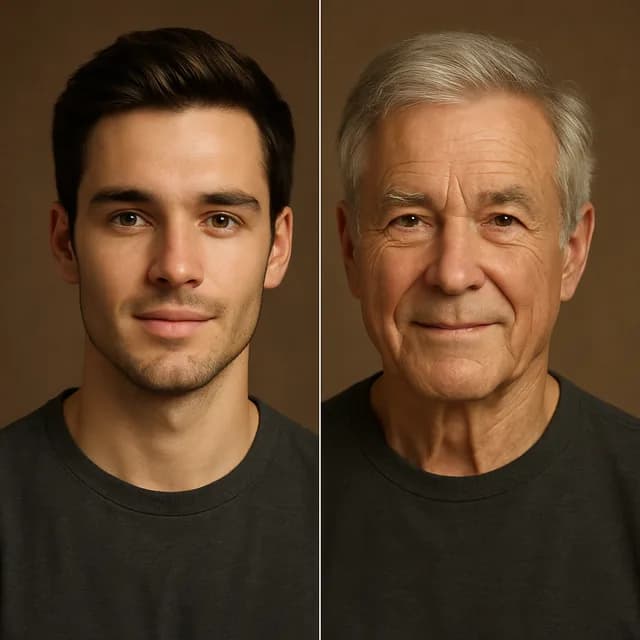
Age Transform
See yourself decades older — or decades younger.
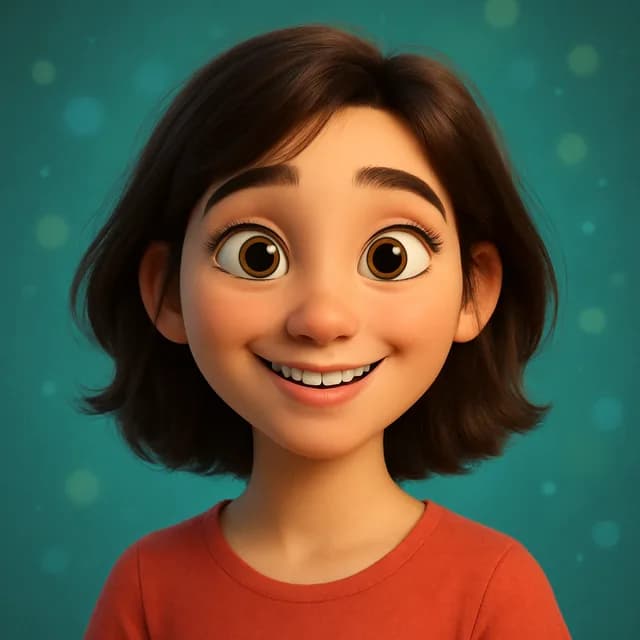
Cartoon Me
Become a Pixar-style 3D character or an anime lead.
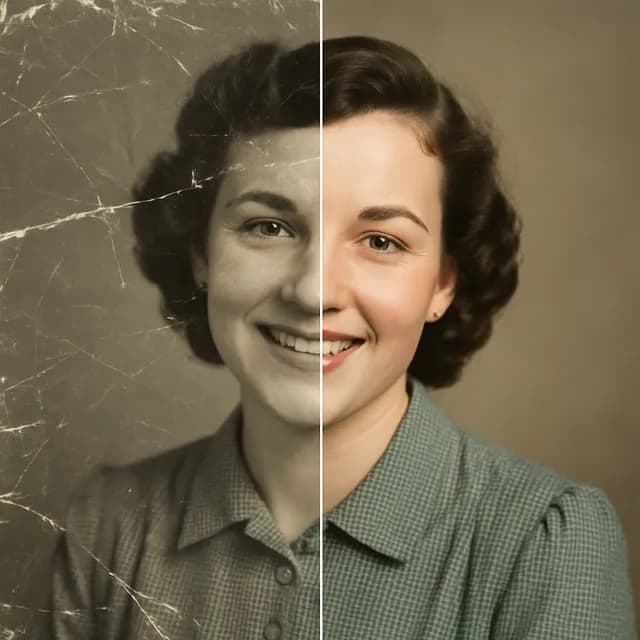
Photo Restore
Repair scratches and colorize old family photos.
How it works
- 1
Upload a photo
Pick a selfie or photo from your camera roll.
- 2
Pick a style
Choose from 13 AI photo tools and dozens of presets.
- 3
Download & share
Get your AI photo in seconds, ready to post.
Questions
- Is the AI photo maker free?
- Yes. All 13 photo tools are free to try. On the web you get one image without an account and 3 more when you sign up, with no daily cap or waiting on those. After that the free plan is up to 2 photo generations a day, one every 4 hours, and Kitana Pro is up to 6 a day with no waiting. See the plans.
- How long does it take?
- Most photo tools finish in under a minute. Pick a tool, add your photo, and the result comes straight back to you. More on limits and waiting times.
- Which photo works best?
- A clear, well-lit photo with your face fully visible gives the best results for avatars and headshots. Restoration and upscaling work with any photo, even damaged or low-resolution ones.
- Can I use the results for social media or work?
- Kitana's Terms of Use describe the usage rights and restrictions that apply to AI-generated images. Read the Terms of Use.