Loading…
A step-by-step guide to turning a photo into a cartoon online with AI: choosing the photo, picking a cartoon style, writing the prompt, and fixing the results that come out generic.
To turn a photo into a cartoon online, upload a sharp, front-facing photo to an AI photo tool, choose a restyle or cartoon mode, name one specific cartoon look (flat 2D, comic book, 3D animated, anime), and generate a few variations to pick from. The whole process takes a couple of minutes and runs in a browser.
The part that takes skill is keeping the cartoon recognisably you. Cartoon styles work by simplifying, and simplifying is exactly how likeness gets lost. This guide covers the choices that keep it.
A cartoon throws away detail, so the details it keeps have to be strong in the original. The best source photos have:
Our guide to preparing photos for AI avatars goes deeper into what makes a good source.
"Cartoon" means very different things. Picking one makes results far more consistent. Common options:
| Style | What it looks like | Keeps likeness? |
|---|---|---|
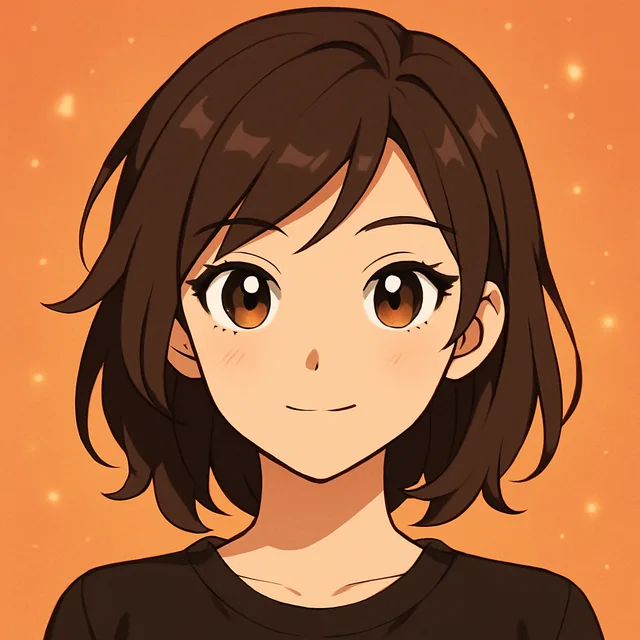
| Flat 2D / vector | Clean shapes, bold outlines, few colours | Moderate: relies on hair and glasses |
| Comic book | Ink lines, halftone shading, strong shadows | Good: keeps face structure |
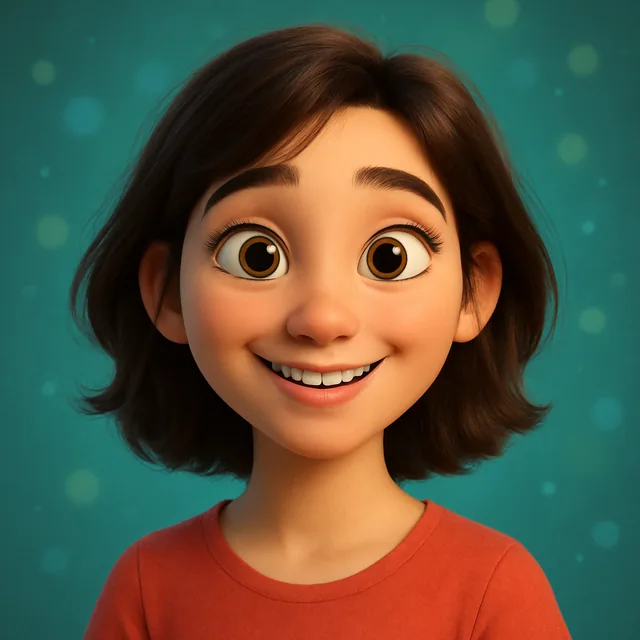
| 3D animated | Soft rounded features, big eyes, film lighting | Moderate: exaggerates proportions |
| Anime | Large eyes, cel shading, stylised hair | Lower: strongly idealises faces |
| Caricature | Exaggerated features on purpose | High if done well, but not flattering |
| Children's book | Soft watercolour or crayon texture | Good for kids and pets |
If you want the 3D look, see our guide to Pixar-style 3D portraits. For anime, turning a selfie into anime art covers the style in detail.
When you restyle a photo, your prompt tells the model what to change. It also, by omission, tells it what it is allowed to throw away. A good cartoon prompt names:
Example:
Restyle as a flat 2D cartoon with bold outlines and a limited warm palette. Keep the round glasses, curly dark hair and short beard. Head and shoulders, plain light blue background.
Avoid naming a specific studio or artist if you plan to use the image commercially; describe the visual qualities instead. Our prompt framework explains why concrete descriptions beat names anyway.
Generate three or four variations and put them next to your original photo. Ask:
If none are right, change one thing at a time. If likeness is weak, add more features to the "keep" list or try a less extreme style. If the style is weak, make the style description more specific.
It looks like a generic cartoon person. The model defaulted to an average face. Use a sharper, closer source photo and name your distinctive features explicitly.
Skin tone or hair colour changed. Some styles drift towards a default palette. State the colours you want: "warm brown skin", "copper red hair".
The background is cluttered. Ask for a plain or simple background, or replace it separately with a background tool. Our background replacement guide covers that step.
Hands look wrong. Cartoon hands are a known weak spot. Crop to head and shoulders, or regenerate.
The result is too small to print. Upscale it before printing. See AI photo upscaling for printing.
Here are starting prompts for the styles in the table above. Each assumes you are restyling your own photo, so none of them describe the face. Swap in your own features in the "keep" part.
Treat these as a base. Change the palette and background to suit where the image will be used.
Pets. Animals cartoon well because their shapes are already simple. Name the markings that make your pet yours ("white patch over the left eye", "one floppy ear"), since those are what a generic cartoon dog will drop. A photo taken at the pet's eye level works much better than one looking down on it.
Kids. Children's faces are soft and have fewer distinctive lines, so the model has less to hold on to. Soft styles such as the children's book look tend to keep them more recognisable than hard-edged comic styles. Hairstyle and a favourite piece of clothing do a lot of the work.
Groups. Keep everyone in the same style from one photo rather than cartooning people separately and combining them afterwards; lighting and line weight will match. If one face comes out generic, crop that person from the original, cartoon them alone with the same prompt, and compare.
AI cartooning is fast and cheap enough to try many styles, but it is not the same as commissioning an illustrator. An artist can make deliberate choices about exaggeration and composition, fix a detail you point at, and deliver files prepared for print. If you want a one-of-a-kind piece for a wedding or a framed gift, an AI draft is a good way to work out which style you like before you brief a human artist. If you want a fun profile picture this afternoon, AI is the practical choice.
Cartooning a friend or family member is usually harmless fun, but ask before you post it, especially for children. The same goes for photos of strangers: a cartoon is still their likeness. Our consent and likeness guide covers where the lines are.
In the browser studio, the restyle tool takes your photo plus a style description, which is all you need for a cartoon. The Kitana app also has a dedicated cartoon tool among the photo tools on the Photo Maker page.
Create with Kitana using the tool that fits this guide.
Cartoon a photoDownload Kitana and create your first AI photo in under a minute.